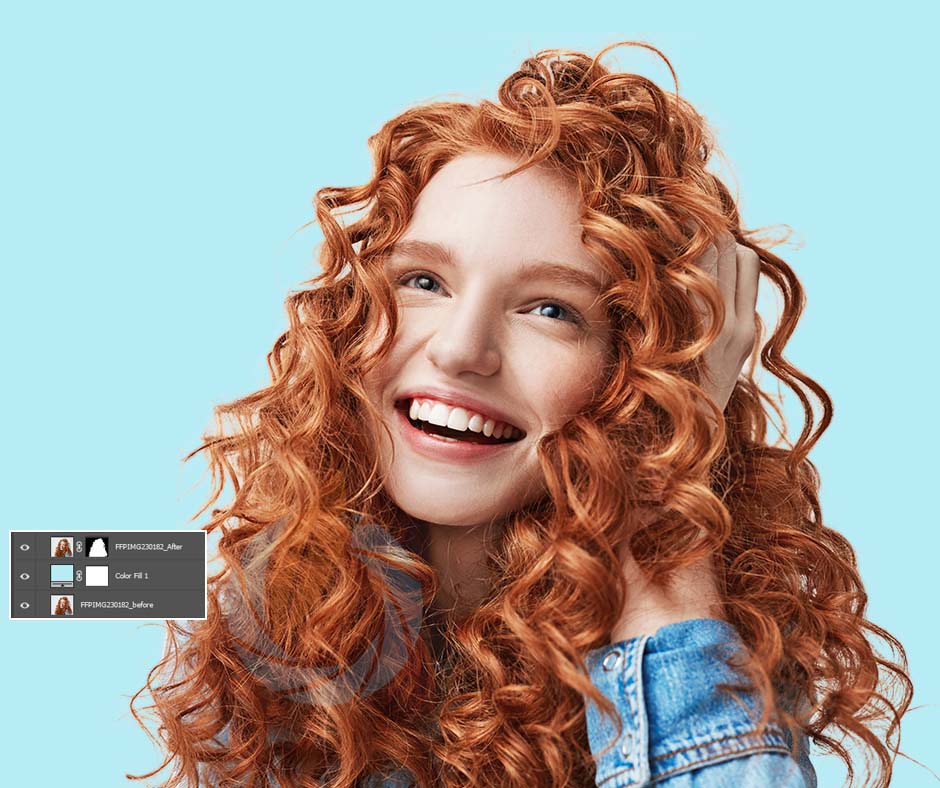
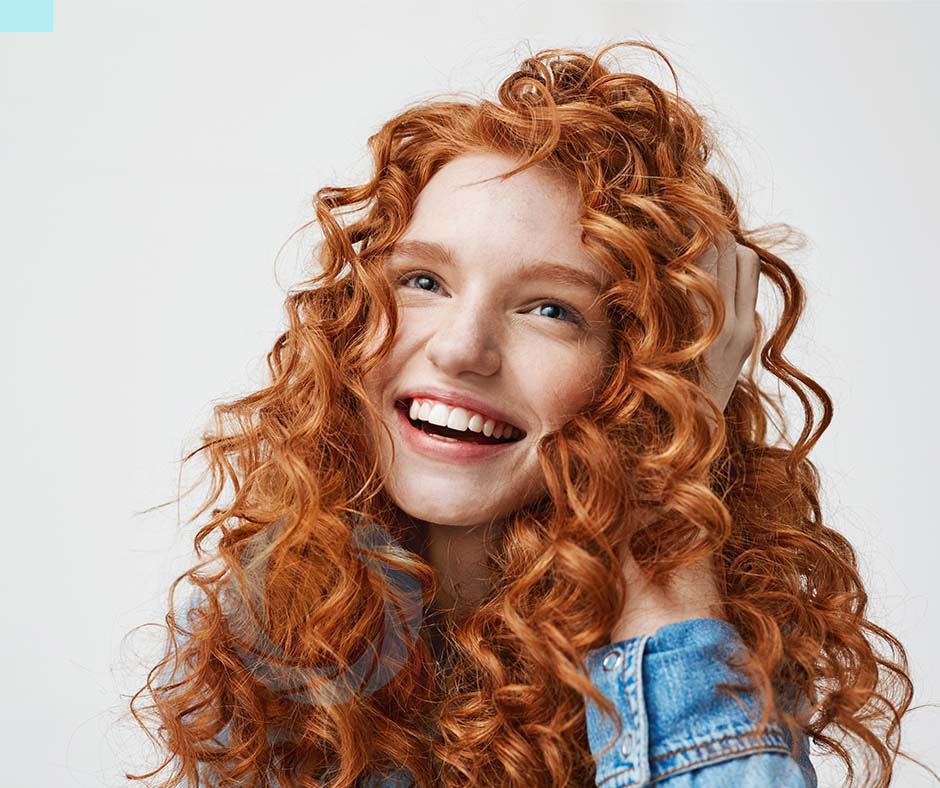
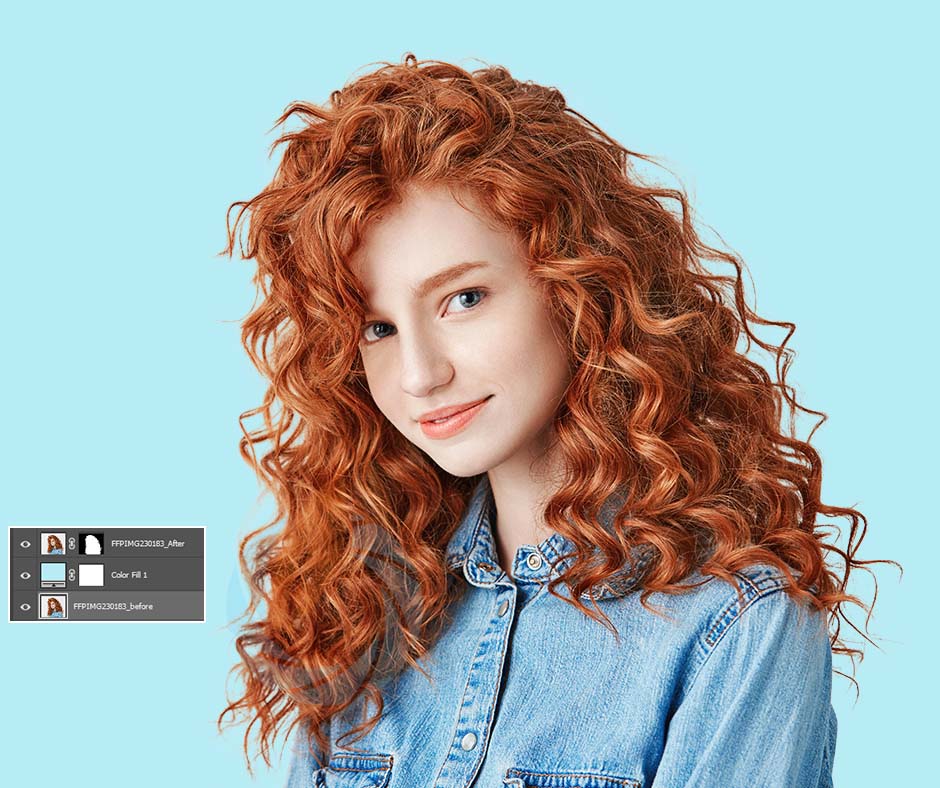
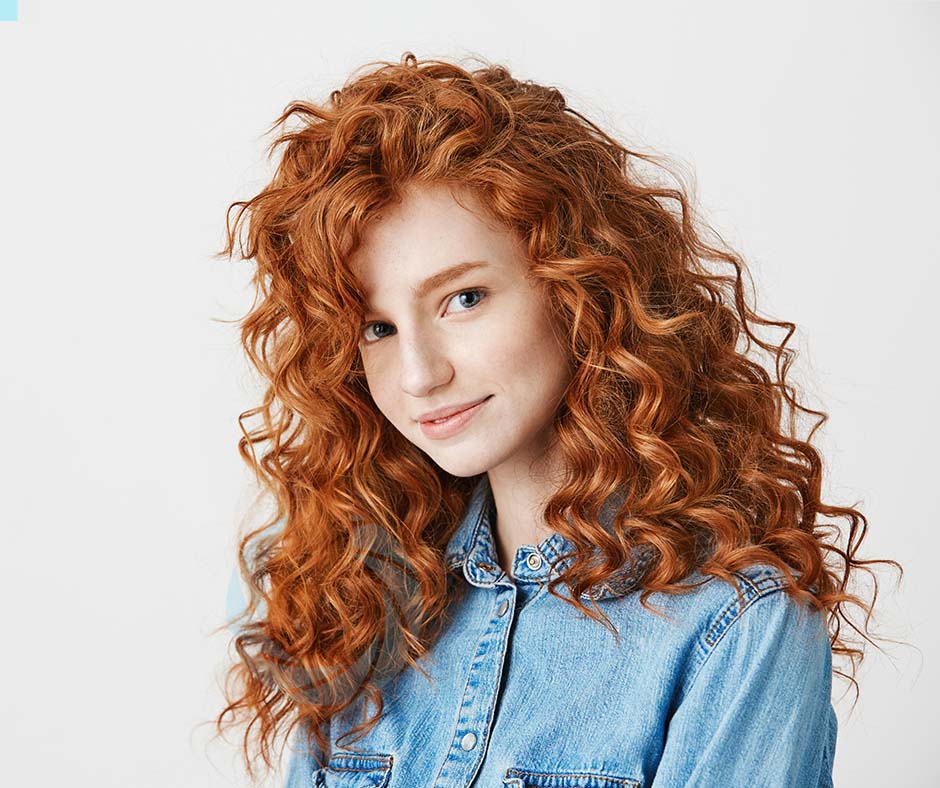
High-Quality Masking for Hair, Fabrics, and Soft Edges
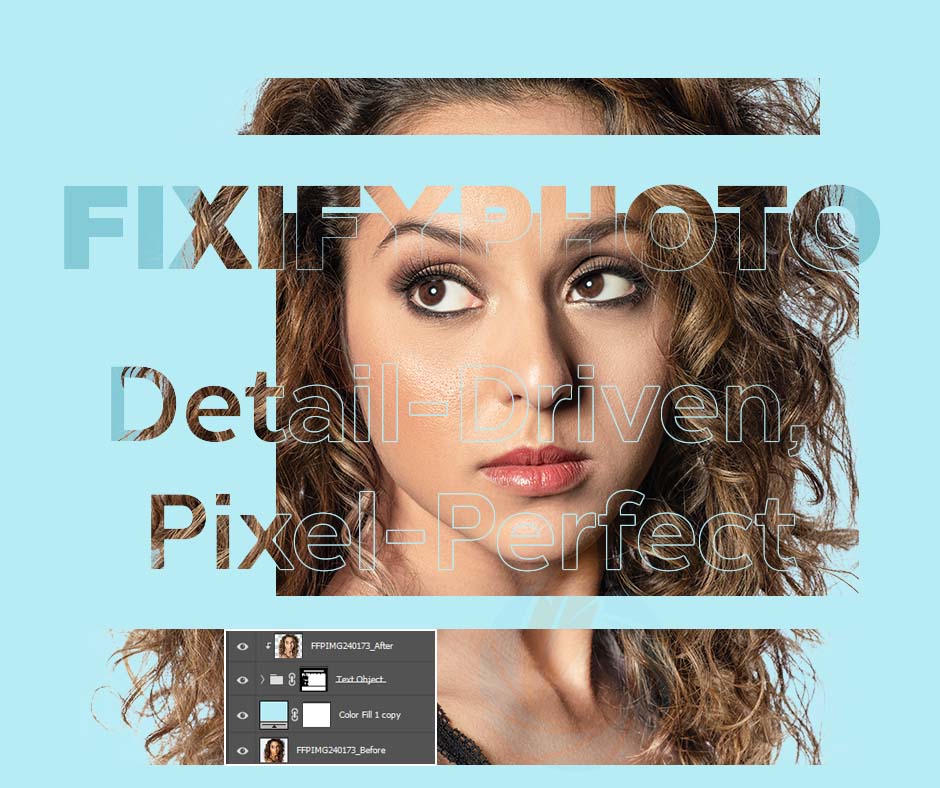
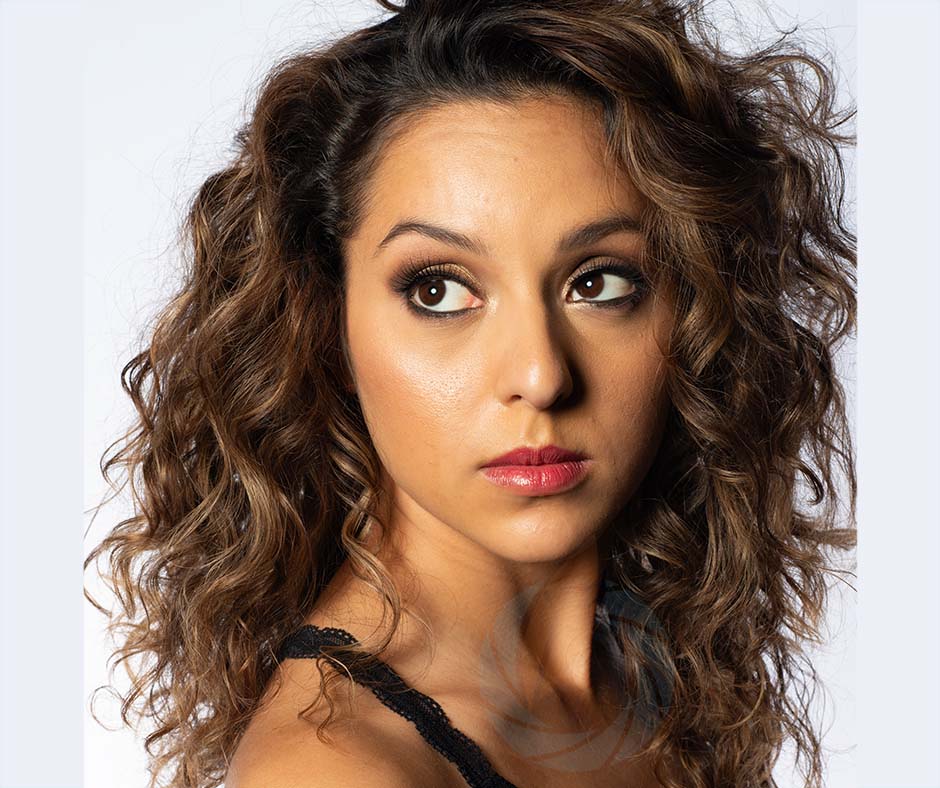
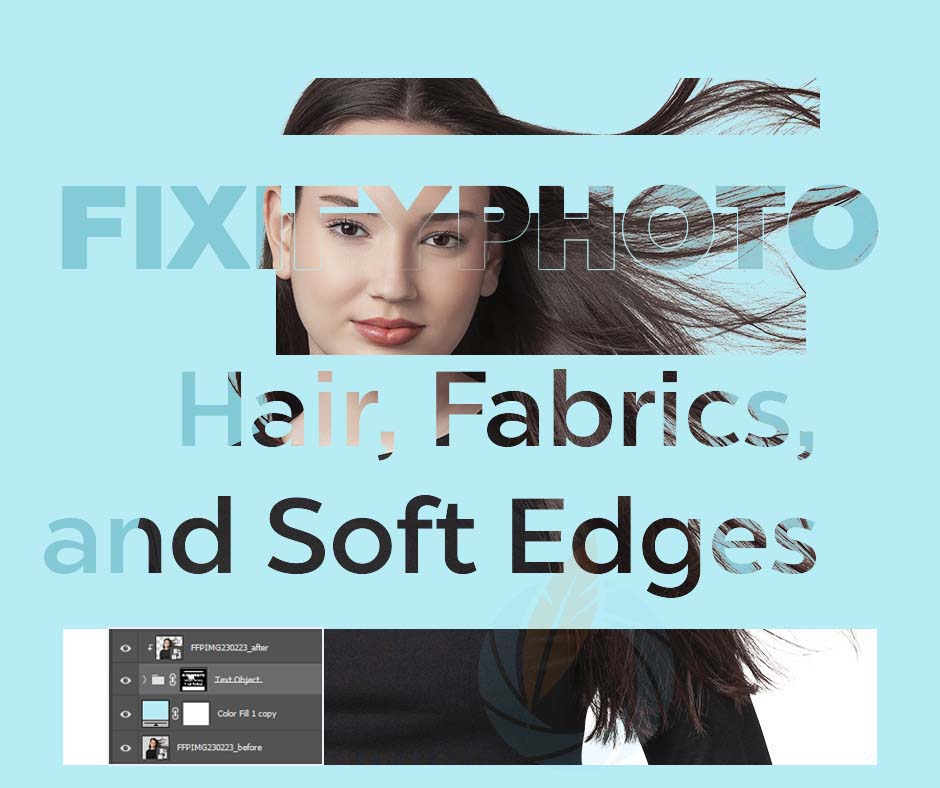
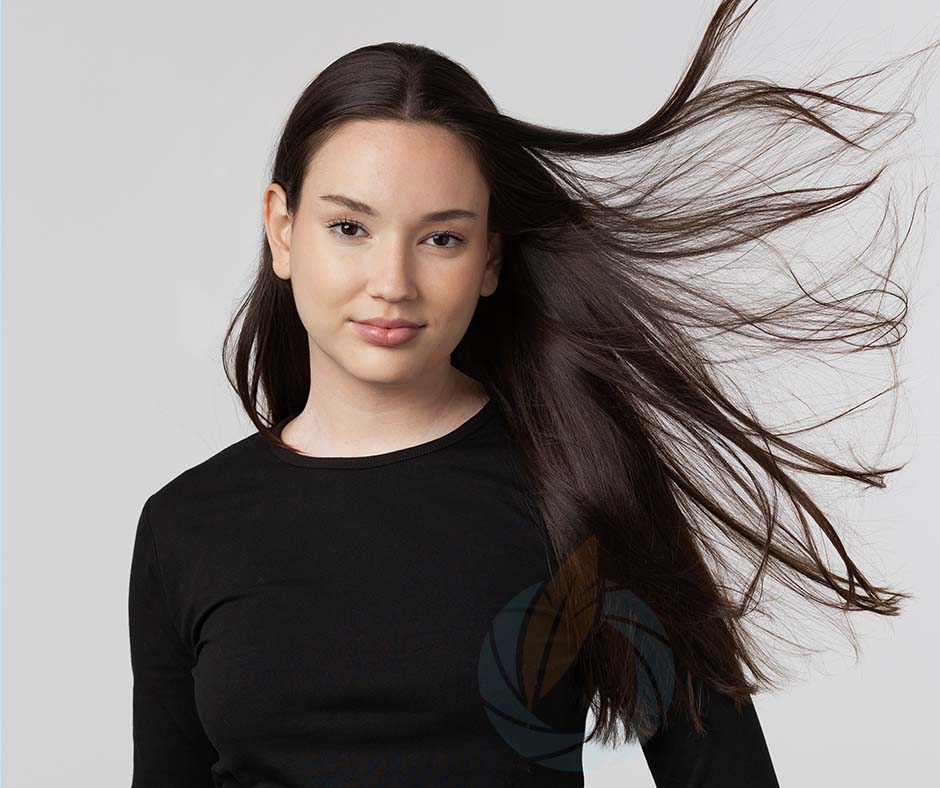
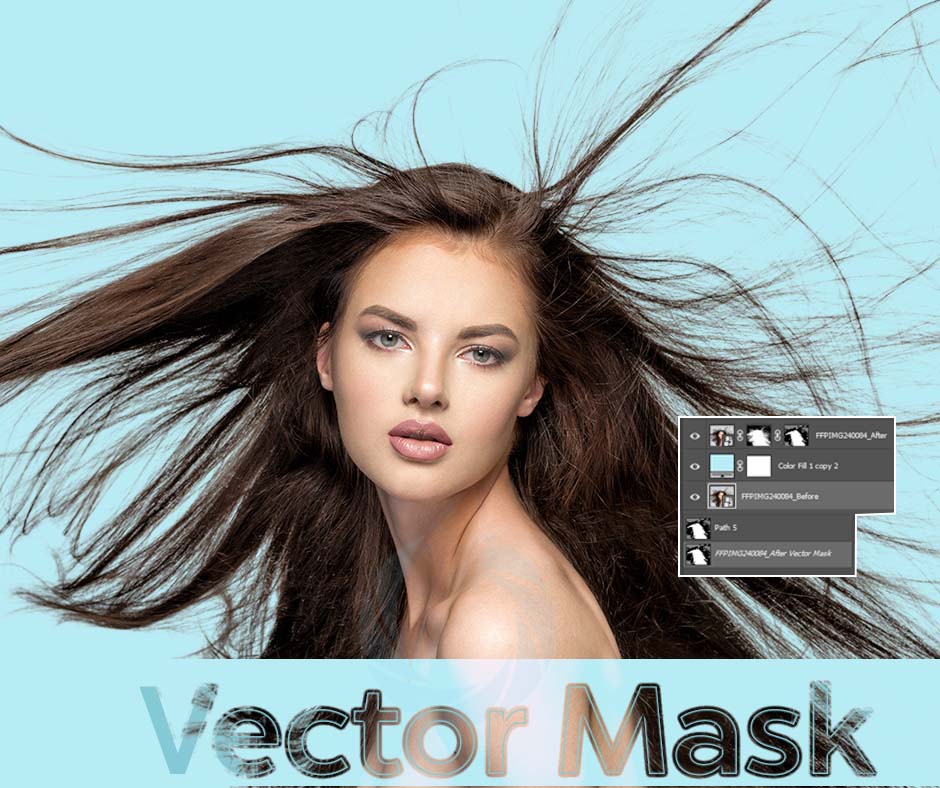
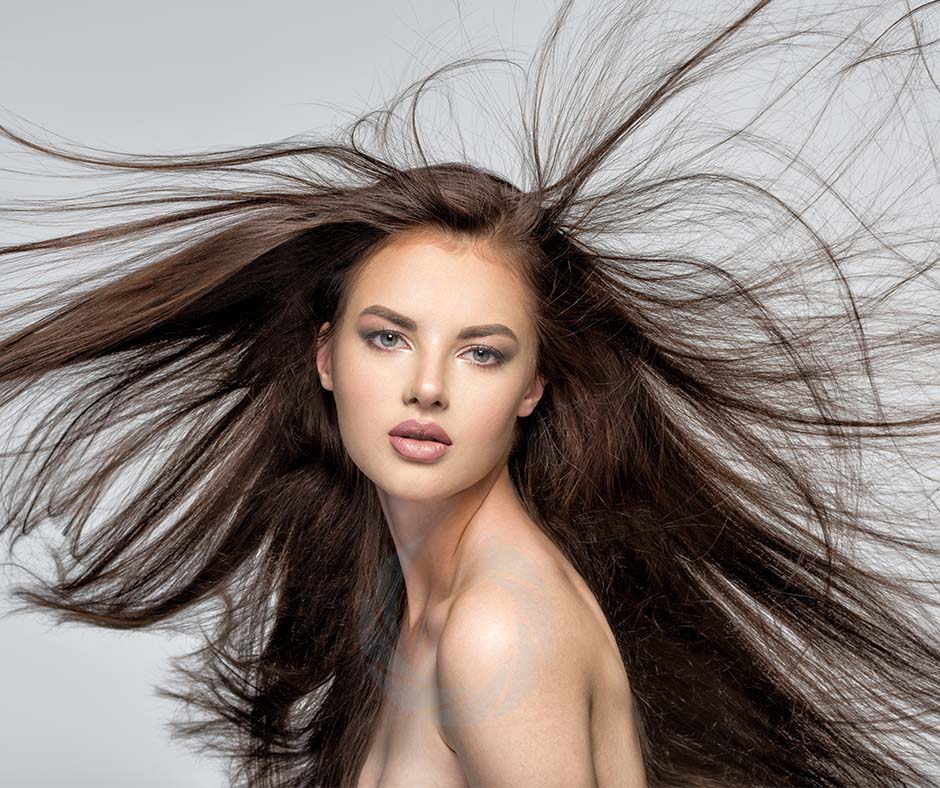
For fine edges like hair, feathers, or glass, image masking offers perfect separation. Our experts retain natural texture and detail, providing clean cutouts even in complex areas.
Layer Mask
Layer Masking is a powerful image editing technique in Adobe Photoshop that allows editors to hide or reveal specific parts of a photo without permanently erasing any pixels. It gives complete control over image blending, background adjustment, and selective editing. Using soft brushes and gradient tools, our experts refine complex edges such as hair, fabric, and transparent materials with natural precision. This technique is essential for professional retouching, background replacement, and compositing multiple images together. At Fixify Photo, we use layer masking to maintain perfect transitions, smooth tones, and realistic depth—ensuring the final image looks seamless and professionally balanced. It’s ideal for fashion, e-commerce, and advertising projects that demand flexibility and non-destructive editing.
Clipping Mask
Clipping Masking in Adobe Photoshop is a creative and efficient way to apply adjustments or textures to a specific area of an image using another layer as a boundary. This technique is commonly used in professional photo editing to control where effects, colors, or designs appear—without affecting the entire image. Our editors at Fixify Photo use clipping masks for precise color corrections, exposure balancing, and creative overlays in product or fashion photos. It’s an essential process in advertising design and creative retouching, offering a clean, editable workflow that maintains full control of details. Clipping masks also help in creating realistic shadows, highlights, and texture applications—making every photo visually appealing, perfectly layered, and print or web-ready.
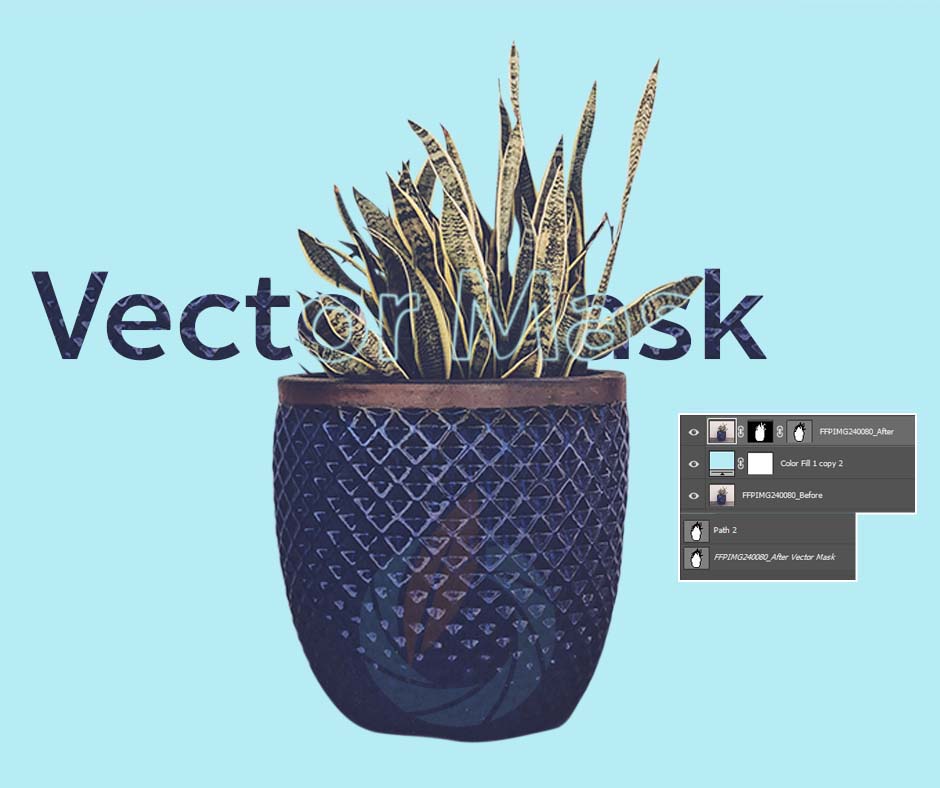
Vector Mask
Vector Masking is a highly precise masking technique that uses vector paths to define exact editable areas within an image. It’s ideal for achieving sharp, clean, and scalable cutouts—especially for product images, logos, or geometric objects where perfect edges matter most. Using Adobe Photoshop’s Pen Tool, our professional editors at Fixify Photo create smooth, non-pixelated selections that can be refined or reshaped anytime. This technique ensures that images remain resolution-independent, making them perfect for high-quality print and digital designs. Vector masking also enhances compositing flexibility, allowing for creative blending, background adjustments, and shape-based effects. It’s the go-to solution for designers and photographers seeking precise, professional, and non-destructive editing results.